MapleStory Style
Upload a photo or describe a scene — get a 2D MapleStory side-scroller
Upload a photo with a setting (study / bedroom / street / shop / landmark…) — you and the background become a MapleStory level. No photo? Just describe a scene below.
Describe what you imagine, AI brings it to life
Examples
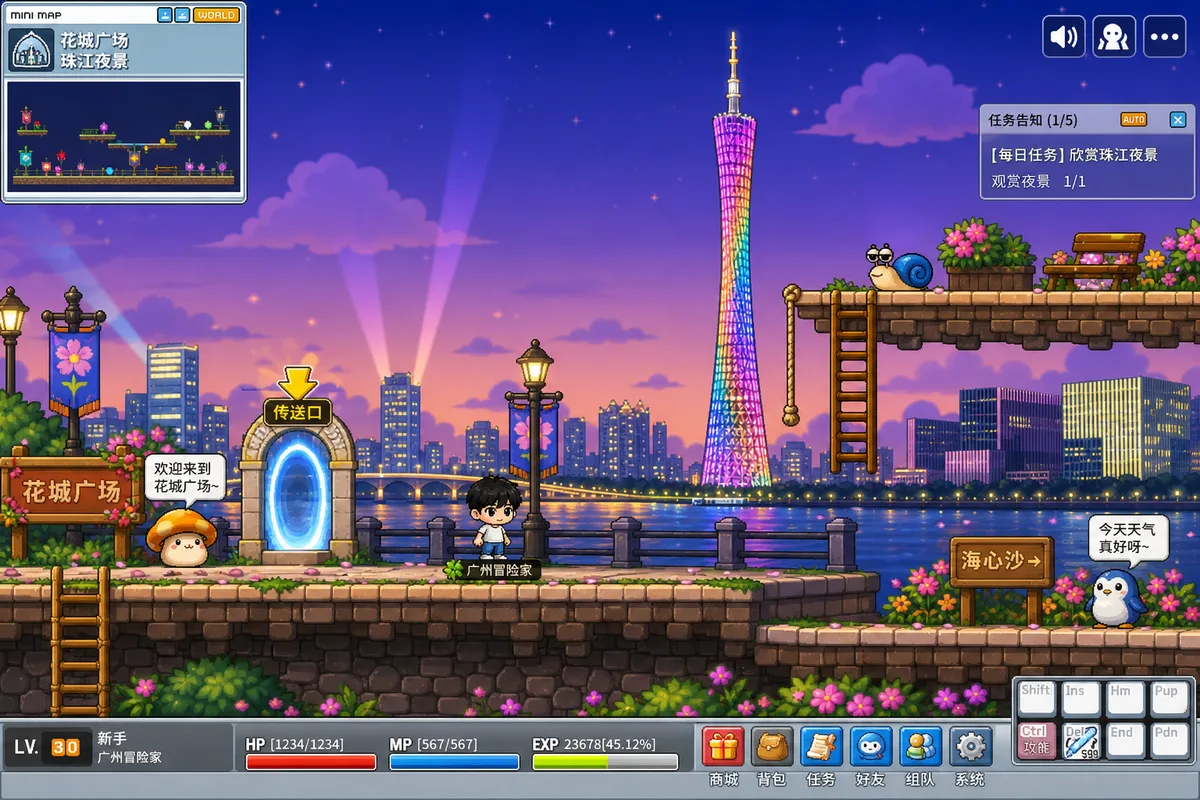 Canton Tower riverside level
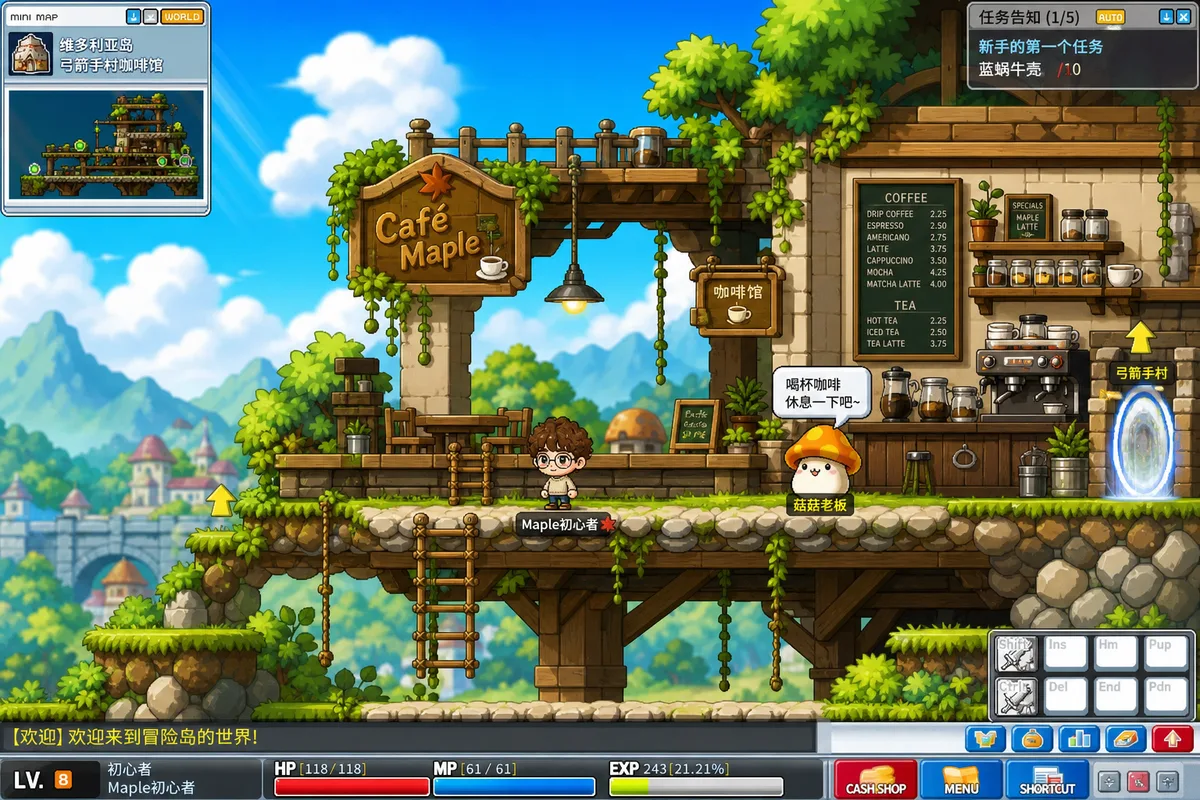 Café level
Frequently Asked Questions
What kind of photo works best?
Photos with a visible setting work best (study, bedroom, street, shop, landmark…), because the tool turns both you and your surroundings into a MapleStory level. A plain-background selfie works too — with no scene to reference, you're placed into a default MapleStory beginner town. A clear, front-facing subject helps.
Can I generate from text only, without a photo?
Yes. Leave the photo empty and write the scene and character you want in the text box (e.g. "a seaside MapleStory fishing village at sunset, a straw-hat boy fishing"), and the tool generates a matching MapleStory side-scroller from scratch.
Why is the character so small and not the focus?
That's intentional. The tool mimics a 2D MapleStory side-scroller screenshot — the point is "your scene became a MapleStory map," with you as the small character in it. It's not a big-portrait avatar tool.
Is this an official MapleStory product?
No. This is a fan-made style-conversion tool, not affiliated with or endorsed by Nexon / MapleStory. The output is original fan-style artwork, intended for personal, non-commercial use like sharing.
Can I use scenery photos or anime / game screenshots?
Yes. Scenery or interior photos become the 2D level background; if there's a person in the photo, they become the small character in the scene. Anime or game screenshots work as references too.