Minecraft Style
Upload a photo, turn yourself into a Minecraft character
Upload a selfie or any character photo — AI transforms it into Minecraft block style
Describe what you imagine, AI brings it to life
Examples
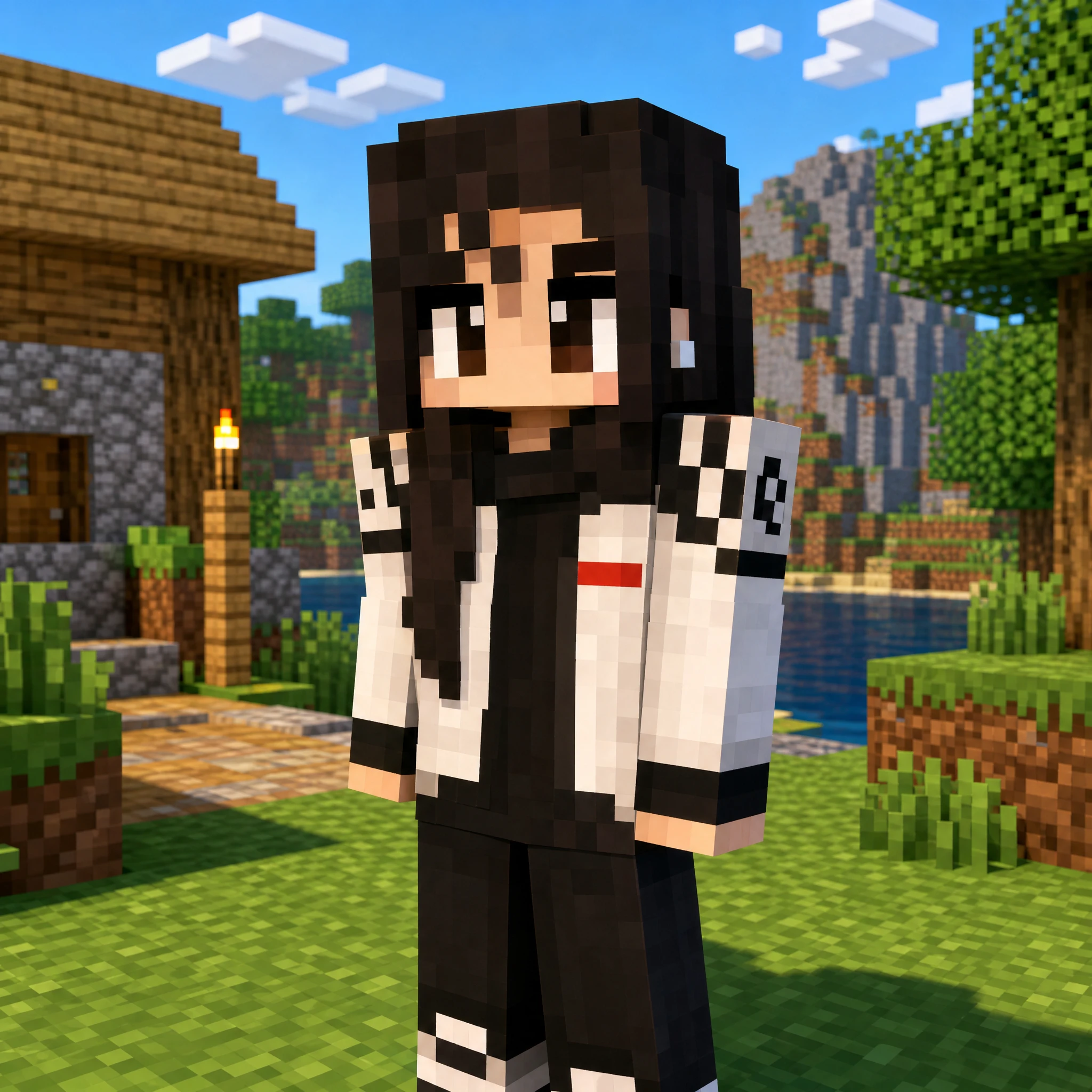 Minecraft block character
Frequently Asked Questions
What kind of photo works best?
A front-facing or 3/4 angle photo with clear lighting works best. The clearer the facial features, the more recognizable the block character. A simple or white background is ideal, but complex backgrounds also work.
What's the difference between Classic (Steve) and Slim (Alex)?
Classic uses the Steve body type with 4-pixel-wide arms for a blockier look. Slim uses the Alex body type with 3-pixel-wide arms for slightly slimmer proportions. The visual difference is subtle — just pick your preference.
Is the output a usable Minecraft skin file?
No. The output is a PNG render (like an in-game screenshot), not a 64×64 skin file you can import into Minecraft. It's designed for profile pictures, wallpapers, and sharing.
Can I use game characters or anime art?
Yes, it's not limited to real photos. Game screenshots, anime characters, and cartoon images all work — the AI extracts their visual features and converts them into Minecraft block style.