Zine Poster
Upload a photo — get a half-photo, half-printed-illustration zine art poster
Scenery, a street, a person, a still life — the tool keeps part of the photo real and grows illustration from the same shot
Describe what you imagine, AI brings it to life
Examples
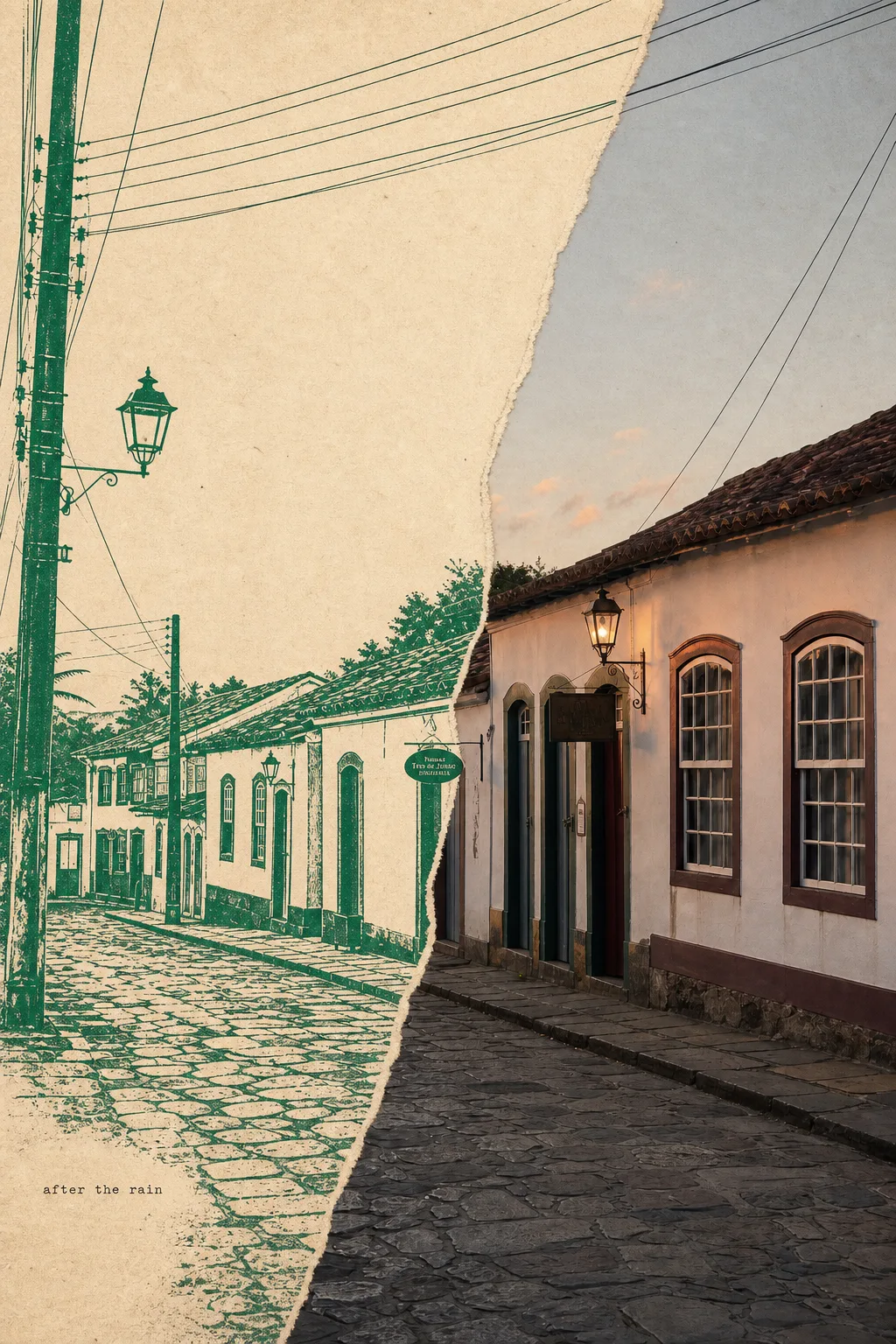 Photo + hand-printed illustration (same street)
Frequently Asked Questions
What kind of photo works best?
A real scene or subject with clear structure works best — a landscape, a street, a building, a portrait, a still life. The tool keeps part of that photo truthful and grows a hand-printed illustration from the same shot, so a readable structure (a horizon, a path, a roofline, a figure) gives the best results.
Why is part of it a photo and part a print / drawing?
That's the whole style. This is a "gathered scenes" zine poster: one truthful photographic zone (~25–50%) plus a hand-printed illustration field that reinterprets the same photo's shapes as silhouettes, broken lines, ink fields or cut-paper — the two joined by a hand-torn paper edge. It is not a filter over your photo and not a collage of different pictures.
What is the torn-paper edge?
Where the photograph meets the illustration, the tool renders a real hand-torn paper edge — an irregular ripped contour with a fringe of exposed paper fibers, not a clean rectangular crop. It's the signature move that makes the photo and the print feel like one printed sheet.
Can I add text?
Yes — a quiet short word or phrase (≤5 words) set small in typewriter / handwritten type, tucked into the blank paper. Leave it blank and the tool picks one short word that fits the mood. It is never a big headline.
Can I choose the ink color?
Yes. Choose "Auto" to let it pick one saturated ink hue, or set one from the palette. The whole poster uses just that one pure color, and it's placed to do real work (continuing a roofline, replacing a shape, an underprint) — everything else is aged paper and charcoal / gray ink.
Can I print it? How is it different from a filter?
It prints well and suits article art, art prints, event posters and social sharing (saved to your Gallery). Unlike a filter — which just tints your photo and keeps the composition — this re-composes a whole poster: keeping part of the photo, redrawing the rest as print, and joining them with a torn edge.